


 繁體中文
繁體中文Support – ESP 2.0 (Win)
ESP 2.0 New Features
ESP 2.0 new features walkthrough.
New Features
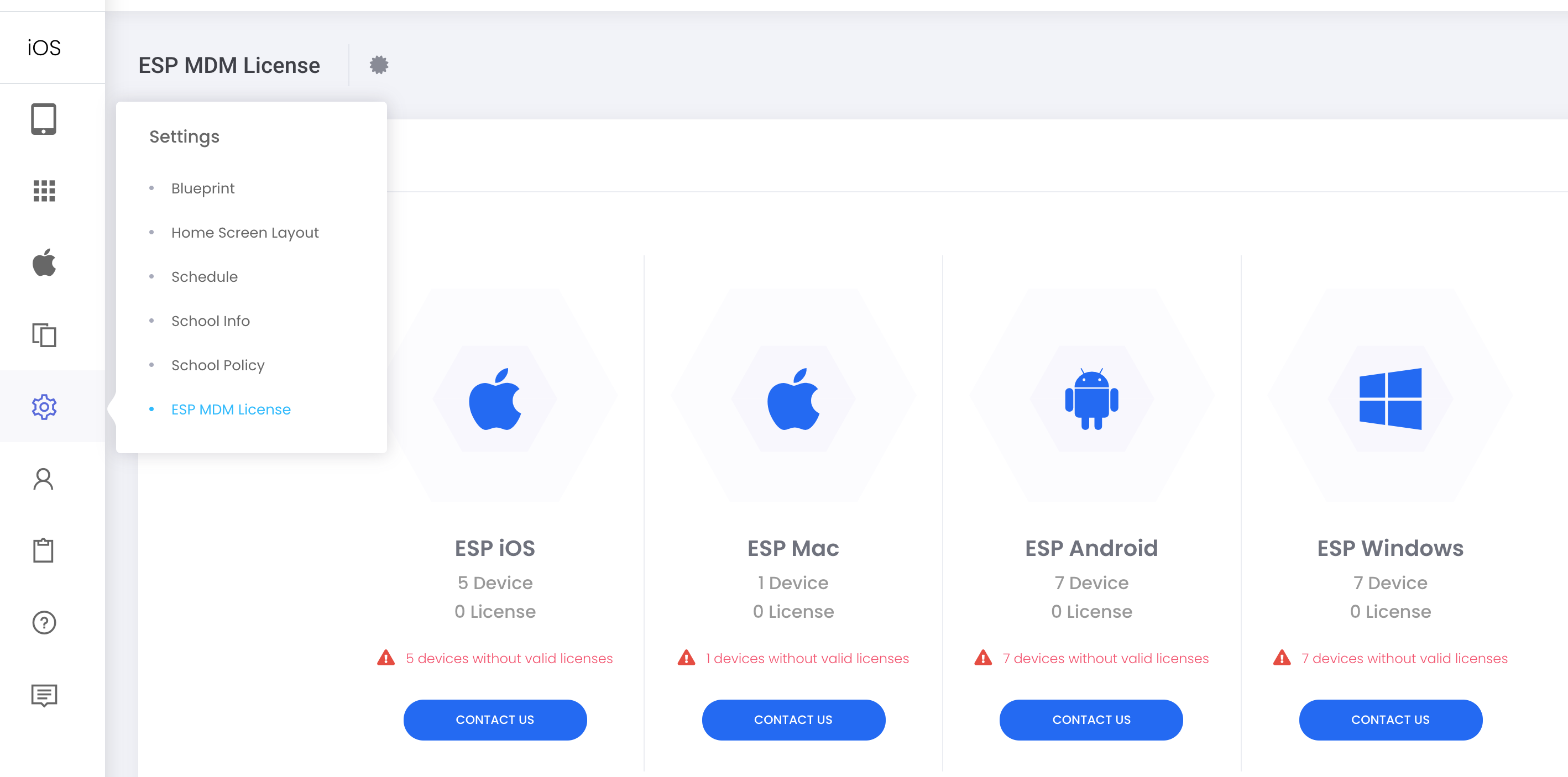
If ESP MDM license terms is soon to expire, a reminder will appear on the top bar as below. Please take action to renew at your convenience.

The page details the license summary and subscription history.
“Settings” > “ESP MDM License”
The latest version of ESP Student for Windows is 1.1.174
You may now assign device labels to devices by uploading .csv file
“Device” > “Device Management” > “ ⋯ ” on top right corner > “Assign Device Label from Excel”
Application: Reassign device labels for new school terms.
Suggested steps:
- Enroll all new devices
- Prepare an excel with columns: SerialNumber, Labels (multiple labels are separated by semicolon ; )
- Remove existing device labels by “Device” > “Device Labels” > Check Labels to be Deleted > “Bulk Action” > “Delete > “Confirm” to Delete
- “Device” > “Device Management” > ” ⋯ ” on top right corner > “Assign Device Label from Excel” > Choose the Excel file > “Upload”