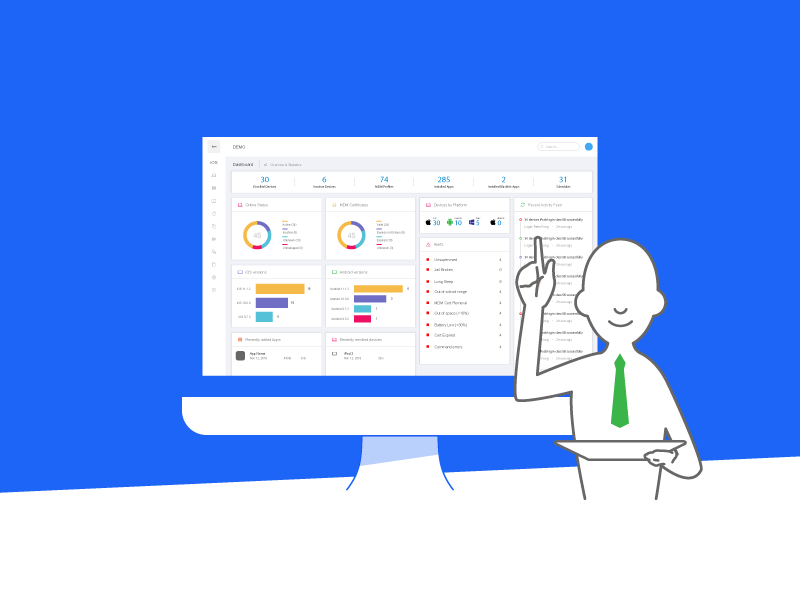
The Modern Command Center for Digital Classrooms. 現代數位化教室的指揮中心。✦
01 Introduction
03 Device Labelling
04 Update Info
12 Blueprint
14 Schedule
15 School Policy
16 Create User Account Individually
17 Create User Accounts in Batch
18 BYOD
19 Update APNS
20 Update DEP Token
21 Update/Add VPP Token
23 Introduce BYOD
26 MacOS ESP MDM Installation Steps
01 簡介
03 設備標籤
04 更新資料
12 自動化部署
14 排程表
15 學校政策
16 獨立創建帳戶
17 批量創建帳戶
18 自携設備 BYOD
19 更新 APNS
20 更新 DEP Token
21 更新/新增 VPP 伺服器代號
23 簡介 BYOD
26 ESP MDM 安裝步驟 (macOS)