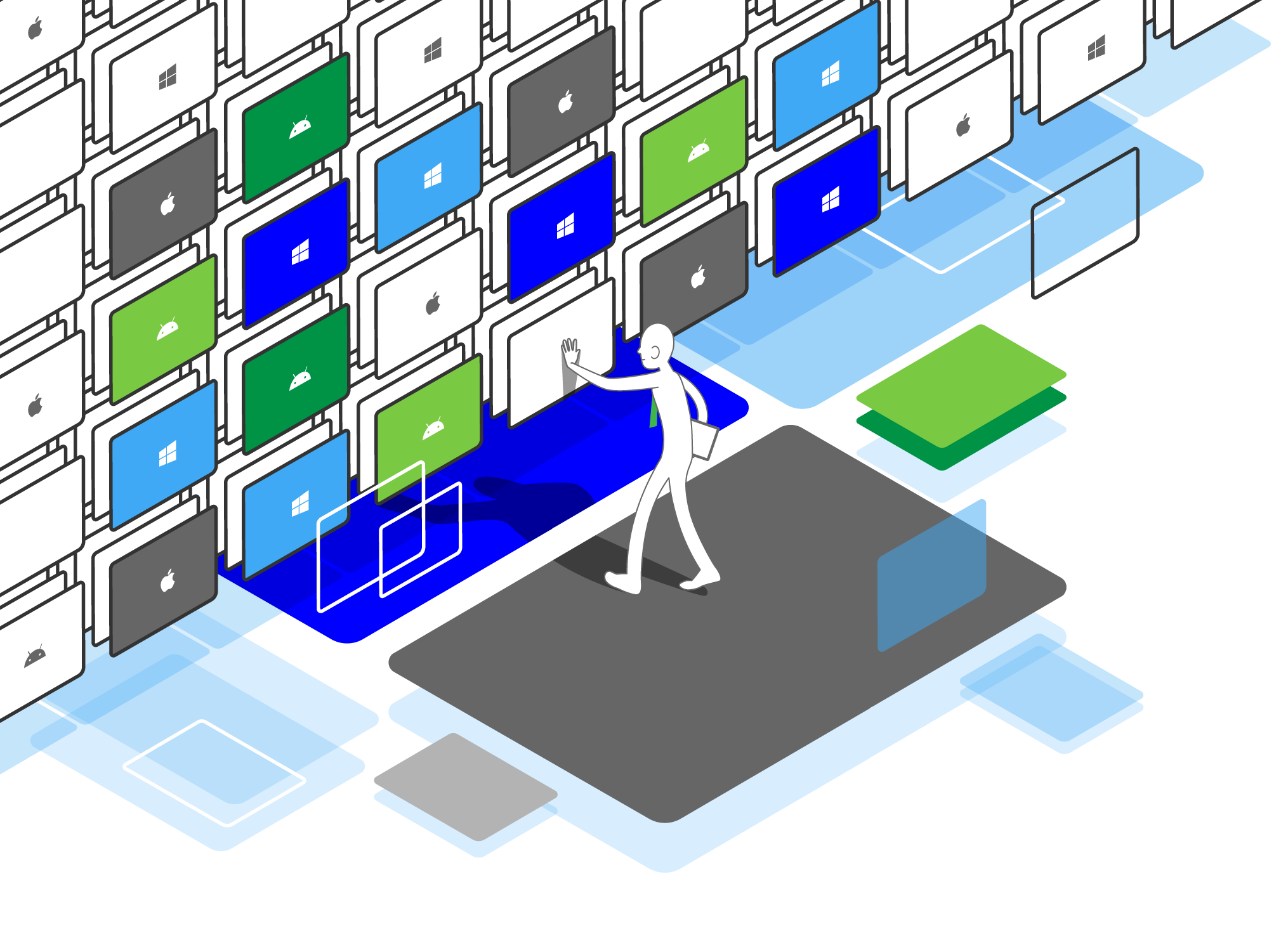
The Modern Command Center for Digital Classrooms. 現代數位化教室的指揮中心。

Set Up & Manage Your Mobile Devices with Minimal Time and Effort

• Slack Champion
• New Certification
• 4 Year Milestone
• Slack Champion
• New Certification
• 4 Year Milestone
• Slack Champion
• New Certification
• 4 Year Milestone
• Slack Champion
• New Certification
• 4 Year Milestone

[:en]

Set Up & Manage Your Mobile Devices with Minimal Time and Effort

Our management-friendly console gives you the maximum flexibility and efficiency in mobile device management.


With ESP, teachers can easily manage students’ tablets in the classroom, so that students can concentrate, and teachers can rest assured. Technicians can also easily install APPs for more than a hundred tablets through the system, block tablet functions, and other management tasks, which greatly reduces our workload.

YUEN Chik Shing, Patrick

Ju Ching Chu Secondary School (Kwai Chung)

2023

Ready to Manage Multiple Devices in a Snap?


Whether you are a school or college or university, have a small number of mobile devices or thousands, we have a solution for you.

Give it a try. Try it free for 30 days.

GET SERVICE

Automate Installations

By seamlessly integrated with Apple School Manager, volume purchased Apps can be installed onto all devices or a group of devices instantaneously or according to a specific schedule.

Similarly ….

For macOS devices, ESP provides option services of Apps Deployment service which schools can leverage a proxy server for apps deployment.

For Android devices, ESP is well integrated with Google Play for apps installation.

For Windows devices, ESP works efficiently with .exe and .msi files.

Minimal Effort in Enrolment

Enrolling mobile devices, in iOS, MacOS, Android, requires no puzzling steps. ESP well integrated with Apple’s DEP, Android for Work, for standard MDM enrolment.

We support Bring Your Own Device (BYOD):

  • Adaptable on various platforms and devices
  • Eliminate the challenges of cost and complexity
  • Build confidence in using mobile devices on their own
  • Experience digital quizzes and examinations

Configure to What You Need

Upon enrolling devices, quickly follow the blueprints which you have designed, including restrictions, themes, and layout.

After the enrolment, you can set schedules to change any configuration according to school arrangements.

  • Remote app installation / removal
  • App installation delimitation
  • App inventory
  • Restriction on app
  • Single / Multiple app lock
  • Access to eBooks


…makes managing the iPads and apps very simple. Even with a large number of devices, apps can be uploaded in bulk within minutes. Flexible labels for the devices ensure that we can organise our iPads across a large five form entry school. The ability to group apps and lock is also really useful. Customer support is fantastic and any issues are handled quickly and professionally, usually within minutes.

Mr Tom Tine

Kowloon Junior School

2015

Ready to Manage Multiple Devices in a Snap?


Whether you are a school or college or university, have a small number of mobile devices or thousands, we have a solution for you.

Give it a try. Try it free for 30 days.

GET SERVICE

Keep Your Data Safe

If you find a mobile device is temporarily lost, you can mark it in lost mode to freeze all operations on and access to the device. Once you recover, you can unlock the device for normal use.

  • Management Dashboard
  • Clear passcode
  • Device wipe
  • Asset inventory
  • Advanced setting changes restriction
  • Device location detection
  • Security protection against jailbroken / thief / lost


Check Device Status and Details at a Glance

You can remotely obtain the most updated information from the devices, including battery level, apps, locations, restrictions. Then, you can change the settings and configurations according to needs.

With ESP 2.0, you can:

  • Manage devices & apps
  • eLearning tools integration
  • Multiple classrooms selection
  • Select individual device for screen projection (Airplay)
  • Facilitate group sharing and discussions
  • Share contents to students’ devices
  • and much more…

Self-Help and Responsive Support

For any issues or questions, you can always approach our online support. If you would like to explore the usages, you can find out more with keyword search.

[:tc]

輕鬆設定和管理您的流動設備

簡便易明的管理系統為流動設備提供最大的靈活性和效率。


透過 ESP,老師可輕鬆於課堂中管理學生的平板電腦,讓學生專心,老師放心。技術員亦可透過系統,輕易為過百部平板進行安裝APP,封鎖平板功能等管理工作,大大減輕我們的工作量。

源植盛

裘錦秋中學(葵涌)

2023

準備好在眨眼之間管理好您的流動設備了嗎?


不論中、小學、大專院校或大學,無論有多少台設備,ESP (eSchoolPad) 都有適合的方案,並能肋你以極快的速度完成帳戶和設備的設置。

立即登記,30天免費試用。

立即登記

自動化安裝

通過與 Apple School Manager 的連結,批量購買的應用程式可以立即或於指定時間安裝到個別或所有設備上。

相類似⋯⋯

有關 MacOS 設備,ESP 提供應用程式部署服務的選項,學校可以使用代理服務器進行應用程式部署。

有關 Android 設備,ESP 與 Google Play 透過互聯進行應用程式安裝。

有關 Windows 設備,ESP 可以透過 .exe 和 .msi 檔案進行安裝。

簡易註冊設備

在 iOS、MacOS、Android 中註冊流動設備只需要簡單的步驟。 ESP 完美支援 Apple DEP、Android for Work 的 MDM 註冊標準。

我們支援自携設備 (BYOD):

  • 適用於多款平台和設備
  • 減省成本和管理系統的復雜性
  • 方便使用自携設備
  • 體驗數碼學習、測驗的便利

隨心所欲地進行設置

註冊設備後,可立即按照您設計的藍圖進行設置,包括設備限制、主題和主畫面圖示排列。並可以根據學校的安排設定時間表更改設置。

  • 遙距安裝 / 移除應用程式
  • 類別應用程式的安裝
  • 應用程式庫
  • 應用程式限制
  • 單一 / 多個應用程式鎖定
  • 閱讀電子書


⋯⋯使管理 iPad 和應用程式變得非常簡單。即使有大量設備,也可以在數分鐘內完成應用程式的安裝。彈性的設備標籤確保我們可以在院校中編組我們的設備。對應用程式進行分組標籤,程式鎖定的功能也非常實用。客戶支援服務很到位,任何問題都在數分鐘內回覆,並快速和專業地處理。

Mr Tom Tine

九龍小學

2016

準備好在眨眼之間管理好您的流動設備了嗎?


不論中、小學、大專院校或大學,無論有多少台設備,ESP (eSchoolPad) 都有適合的方案,並能肋你以極快的速度完成帳戶和設備的設置。

立即登記,30天免費試用。

立即登記

確保您的資料安全

如果您發現遺失流動設備,您可以將其標記為遺失模式及凍結對該設備的所有操作。找到設備後,便可以解鎖設備並繼續正常使用。

  • 管理主控台
  • 清除密碼
  • 重置流動設備
  • 資料庫權限
  • 更改高階設置限制
  • 定位流動設備
  • 安全保護,防止系統越獄/盗竊/遺失


詳閱設備狀態和詳細信息

您可以遠程獲取設備的最新信息,包括電池電量、應用程式、位置、限制。然後,您可以根據需要更改設定和配置。透過 ESP 2.0,您可以:

  • 管理設備和應用程式
  • 靈活運用各款電子學習工具
  • 預設不同教室
  • 選擇設備進行屏幕投影(Airplay)
  • 促進小組分享和討論
  • 分享教學材料到學生的設備
  • 更多⋯⋯

自助和在線支援

遇到任何疑問,您可以隨時聯繫我們的在線支援。如果您想自行查閱,可以通過關鍵字搜索找到更多信息。

[:]