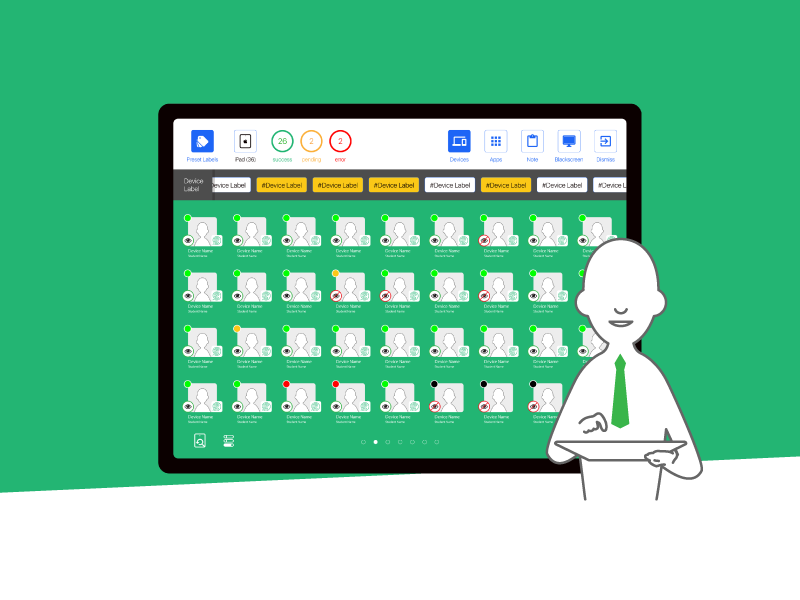
The Modern Command Center for Digital Classrooms. 現代數位化教室的指揮中心。✦
01 Login and Setup
02 Enter Class
03 Screenshot
04 AppLock
05 Note
06 Blackscreen
01 登入與設置
02 進入課室
03 螢幕截圖
04 應用程式鎖
05 筆記
06 黑屏