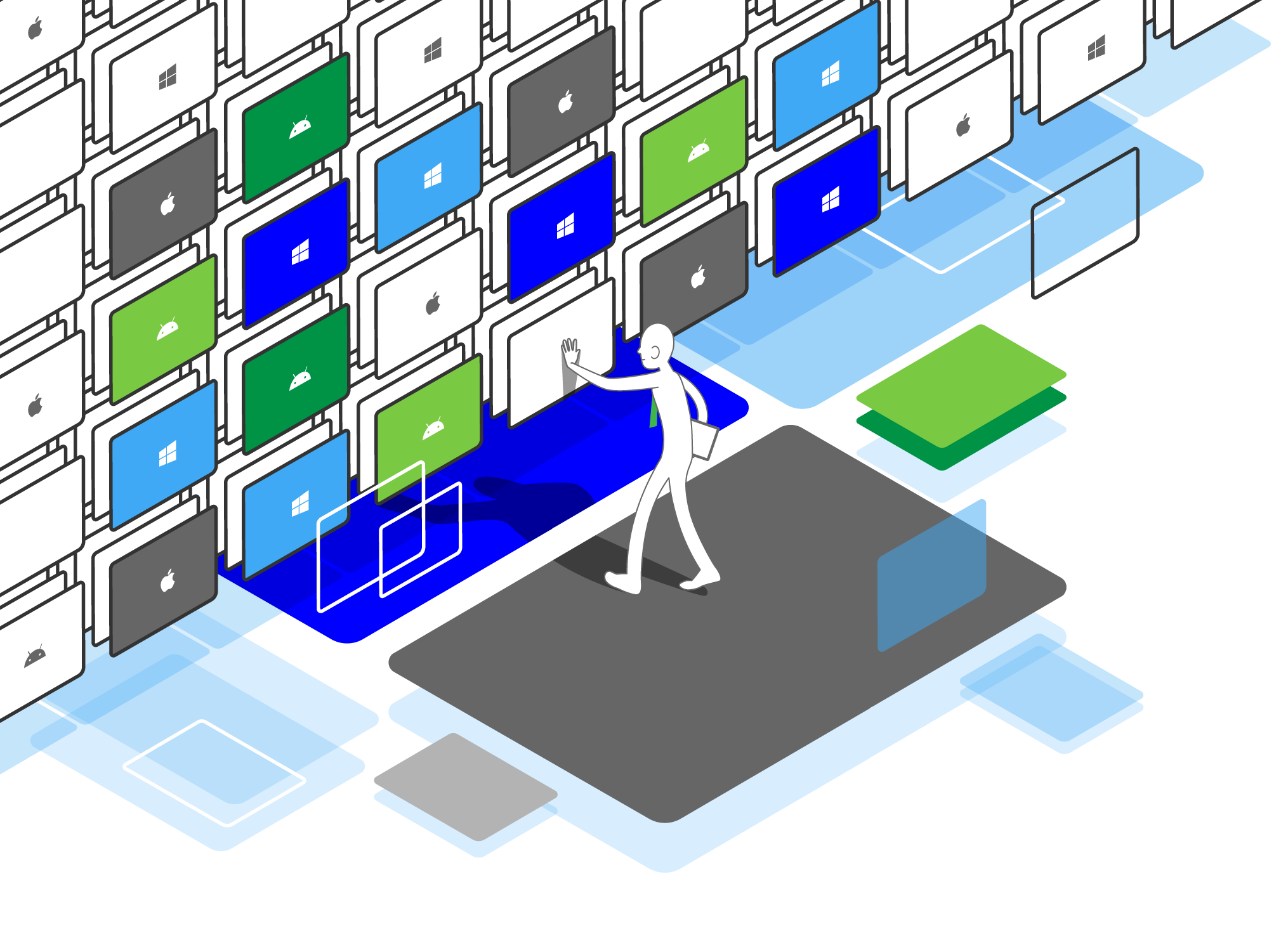
Set Up & Manage Your Mobile Devices with Minimal Time and Effort
Our management-friendly console gives you the maximum flexibility and efficiency in mobile device management.
IT Admin
Automate Installations
By seamlessly integrated with Apple School Manager, volume purchased Apps can be installed onto all devices or a group of devices instantaneously or according to a specific schedule.
Similarly ….
For macOS devices, ESP provides option services of Apps Deployment service which schools can leverage a proxy server for apps deployment.
For Android devices, ESP is well integrated with Google Play for apps installation.
For Windows devices, ESP works efficiently with .exe and .msi files.
IT Admin
Minimal Effort in Enrolment
Enrolling mobile devices, in iOS, MacOS, Android, requires no puzzling steps. ESP well integrated with Apple’s DEP, Android for Work, for standard MDM enrolment.
We support Bring Your Own Device (BYOD):
- Adaptable on various platforms and devices
- Eliminate the challenges of cost and complexity
- Build confidence in using mobile devices on their own
- Experience digital quizzes and examinations
Culture
Configure to What You Need
Upon enrolling devices, quickly follow the blueprints which you have designed, including restrictions, themes, and layout.
After the enrolment, you can set schedules to change any configuration according to school arrangements.
- Remote app installation / removal
- App installation delimitation
- App inventory
- Restriction on app
- Single / Multiple app lock
- Access to eBooks
Culture
Keep Your Data Safe
If you find a mobile device is temporarily lost, you can mark it in lost mode to freeze all operations on and access to the device. Once you recover, you can unlock the device for normal use.
- Management Dashboard
- Clear passcode
- Device wipe
- Asset inventory
- Advanced setting changes restriction
- Device location detection
- Security protection against jailbroken / thief / lost
Culture
Check Device Status and Details at a Glance
You can remotely obtain the most updated information from the devices, including battery level, apps, locations, restrictions. Then, you can change the settings and configurations according to needs.
With ESP, you can:
- Manage devices & apps
- eLearning tools integration
- Multiple classrooms selection
- Select individual device for screen projection (Airplay)
- Facilitate group sharing and discussions
- Share contents to students’ devices
- and much more…
Culture
Self-Help and Responsive Support
For any issues or questions, you can always approach our online support. If you would like to explore the usages, you can find out more with keyword search.