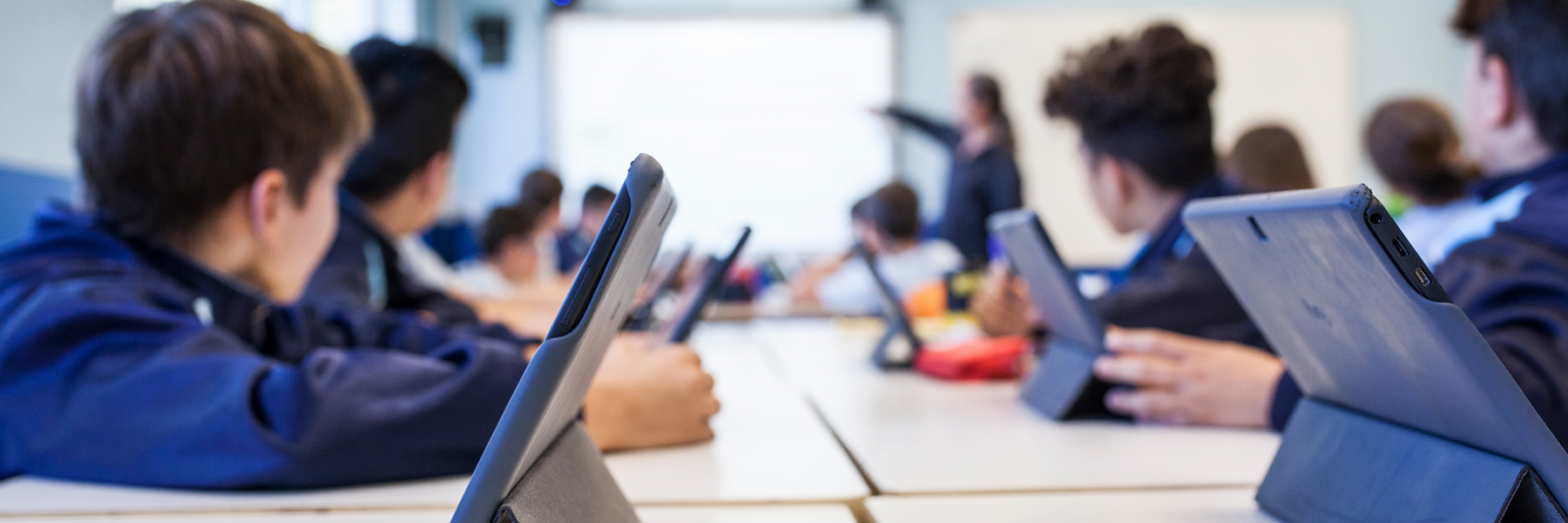
To make online learning safer, it is necessary to take measures from multiple aspects such as technology, personal habits, and platform management. Here are some key recommendations:
1. Choose Secure Platforms and Tools
- Use reputable educational platforms: Opt for well-known online learning platforms (e.g., Coursera, edX, XuetangX) and avoid software from untrusted sources.
- Check privacy policies: Ensure the platform has a clear privacy protection policy and does not misuse user data.
- Enable end-to-end encryption: For live interactive classes, use communication tools with encryption (e.g., Zoom’s encrypted meetings, Microsoft Teams).
2. Protect Personal Privacy
- Avoid disclosing sensitive information: Do not share personal details (e.g., address, ID number, bank card information) in public discussion areas.
- Use a virtual identity: If registration is required, create a dedicated email or username for learning to avoid linking it to your real identity.
- Disable unnecessary permissions: Check the permissions of learning apps (e.g., camera, microphone, location) and only grant essential access.
3. Guard Against Cybersecurity Threats
- Install antivirus software: Ensure your device has up-to-date security protection (e.g., antivirus, firewall).
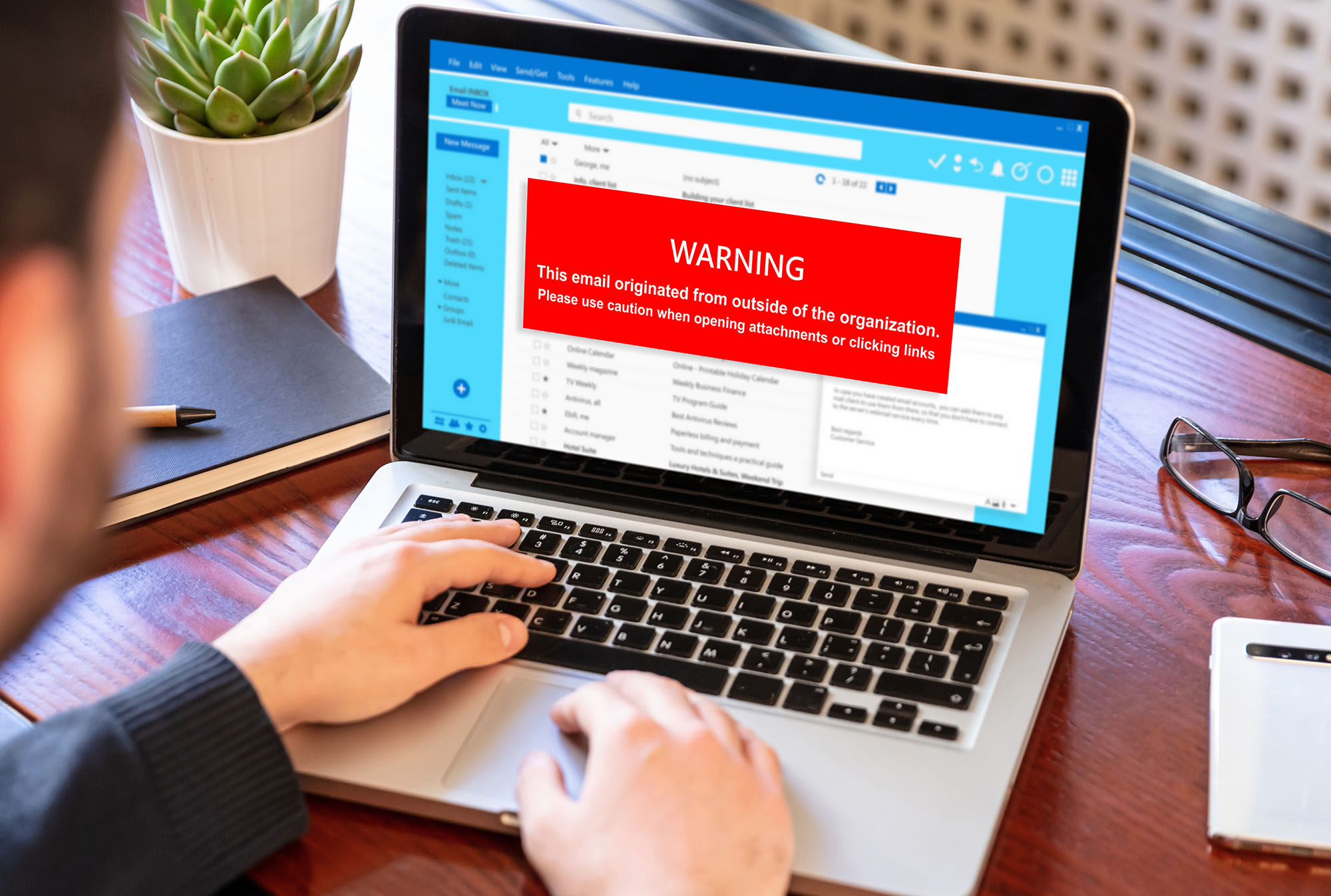
- Beware of phishing links: Do not click on suspicious links or attachments, especially “course notifications” received via email or messaging apps.
- Use strong passwords: Set complex passwords for learning accounts and enable two-factor authentication (2FA).
- Update software regularly: Keep your operating system, browser, and learning tools updated to patch security vulnerabilities.

4. Secure Home Network Usage
- Encrypt Wi-Fi: Use WPA3-encrypted wireless networks and avoid logging into learning accounts on public Wi-Fi.
- Enable parental controls: For children attending online classes, use router or software settings to restrict access to inappropriate websites.
- Isolate devices: If possible, set up a separate network (e.g., guest network) for learning devices.
5. Ensure Safe Online Interactions
- Be cautious with strangers: In discussion forums or groups, do not trust private messages from strangers or engage in unauthorized file sharing.
- Report misconduct: Immediately report harassment, scams, or inappropriate content to the platform.
- Disable unnecessary features: Turn off screen sharing and file transfers during classes to prevent malware spread.
6. Develop Security Awareness
- Learn about cybersecurity: Understand common online scams (e.g., fake scholarships, impersonation of teachers asking for money).
- Supervise minors: Parents should accompany children during online classes and teach them to recognize risks.
- Monitor account activity: Regularly check login records and change passwords if suspicious activity is detected.
7. Responsibilities of Platforms and Schools
- Schools should provide security training: Regularly educate students and teachers on cybersecurity.
- Platforms must ensure data security: Encrypt stored user data to prevent leaks.
- Implement access controls: For example, only allow verified users into virtual classrooms to prevent disruptions (e.g., “Zoom bombing”).
How ESP MDM makes online learning safer?
With ESP MDM, schools and teachers can deploy restrictions spontaneously to establish a safe and controlled Internet environment for learning. For more details, please check with highlights functions and features list.